Almost every course project starts with the same question: Rise or Storyline? It gets asked as though one is better than the other. They solve different problems, and picking the wrong one costs you either money you did not need to spend or a course that cannot do what you needed.
Articulate Rise and Articulate Storyline are both authoring tools from the same company, but Rise builds responsive, scrolling courses from ready-made blocks, while Storyline gives you control of every element on every screen. The right choice depends on whether your learners need to read and understand something, or to practise a decision.
What is the real difference?
Rise works in blocks. You choose from a library of ready-made components – text, image, accordion, tabs, sorting activity, knowledge check – and stack them into a lesson that scrolls. The layout adapts itself to the screen, so a Rise course works on a phone without anybody designing a phone version.
Storyline works in slides. You place every object yourself, on a fixed canvas, and you control what happens when the learner interacts with it. Variables, triggers, branching, custom feedback, drag and drop, scored simulations – all of it is possible, because nothing is pre-built.
That difference explains everything else. Rise is fast because the decisions have been made for you. Storyline is slower because they have not.
When Rise is the right choice
Rise is usually right when the course is about understanding and recall, and the budget or deadline is tight. It suits:
- Policy, compliance, and induction content where learners need to read, understand, and confirm
- Product and process knowledge that is largely explanation plus examples
- Courses that will be read on phones and tablets as often as on a desktop
- Material that changes often, because editing a Rise lesson is quick and low-risk
The trade-off is that a Rise course looks like a Rise course. You can brand it, but the underlying shape is recognisable and the interactions are limited to the block library.
When you need Storyline
Storyline earns its extra cost when the learner has to do something rather than read about it:
- Scenario and branching courses, where a decision changes what happens next
- Software and process simulations, where learners practise the real screen or the real sequence
- Assessments that need custom scoring, attempt limits, or conditional feedback
- Gamified modules, where points, states, and progress drive the experience
- Courses that must match a brand exactly, screen by screen
If none of that describes your course, Storyline will give you a more expensive version of something Rise would have delivered sooner.
A side-by-side comparison
| Rise | Storyline | |
|---|---|---|
| Layout | Responsive, scrolling | Fixed slides you design |
| Mobile | Works by default | Needs planning, and sometimes a separate design |
| Interactivity | Block library only | Effectively unlimited |
| Branching | Not practical | Core strength |
| Build time | Shorter | Longer, often several times |
| Later edits | Quick and safe | Slower, and riskier near the triggers |
Can you use both in one programme?
Yes, and it is often the most sensible answer. Build the body of a programme in Rise, then drop Storyline modules in where they earn their place: the branching scenario, the simulation, the scored assessment. Storyline output embeds inside a Rise lesson, so the learner never sees the seam.
That keeps the budget where it does the most good: custom development on the three screens that change behaviour, not on the twenty that deliver background.
What changes when the course has to be translated?
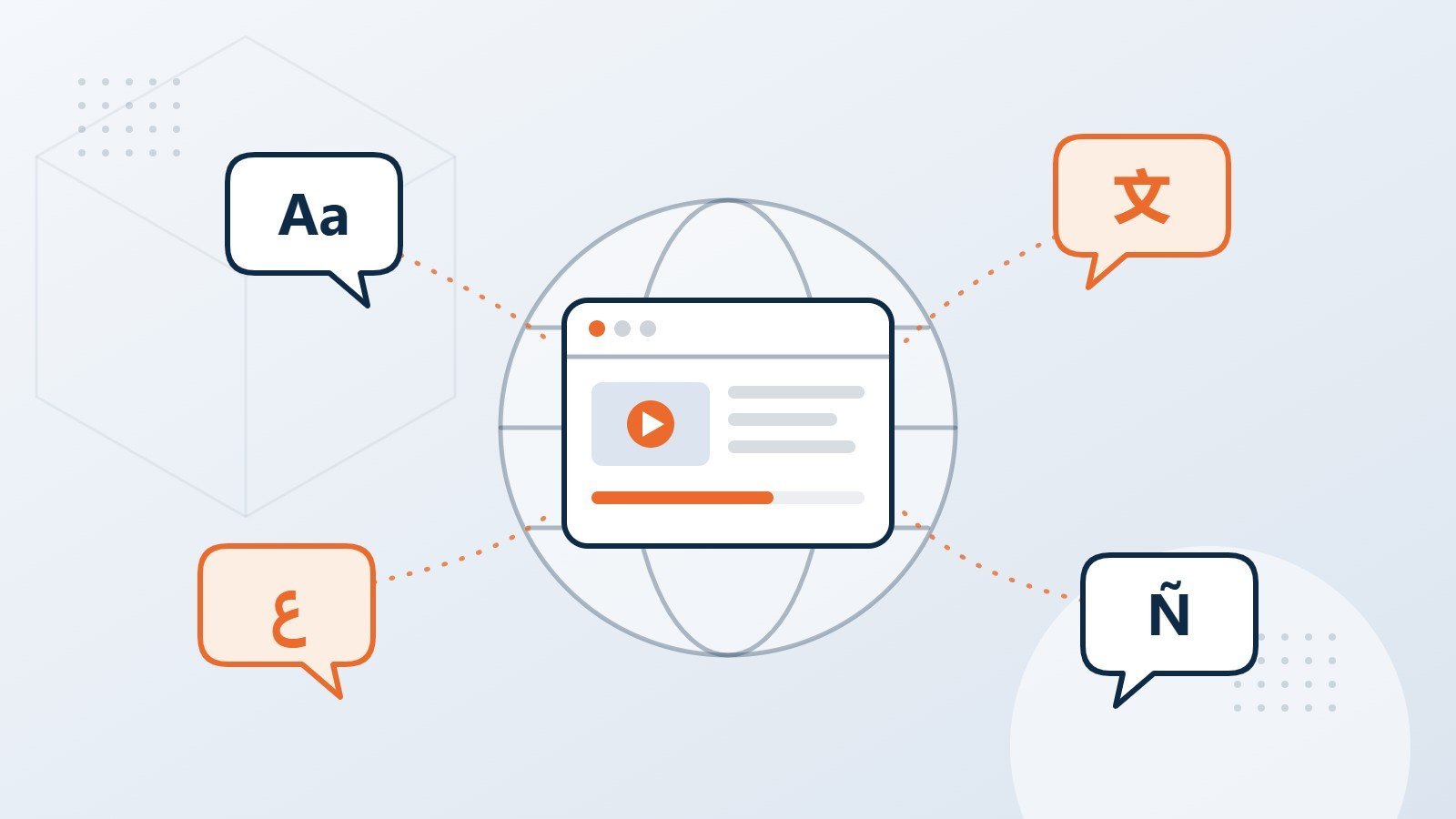
Rise handles translation cleanly. Text exports and imports as a file, the layout reflows to fit a longer language, and a German or Arabic version does not need the layout rebuilding. For a course going into many languages, that is a real saving.
Storyline asks for more discipline. Fixed slides do not reflow, so text that fits in English can overrun in a language that runs a quarter longer, and anything baked into an image has to be recreated per language. None of that is a problem if the course was designed for translation from the storyboard. All of it is expensive if it was not, so say early if the course is going multilingual. Our guide to translating a course properly covers what changes.
A quick checklist before you choose
- Does the learner need to make a decision, or understand information?
- Will this be used on phones?
- How often will the content change after launch?
- Does the assessment need custom scoring or branching feedback?
- How many languages, and when?
- Who will maintain it in two years, and what can they use?
That last one gets forgotten. If your own team will maintain the course, that is an argument for Rise regardless of everything above.
Frequently asked questions
Is Rise cheaper than Storyline?
To build, usually yes, because there is less to design and less to test. The gap narrows if the Rise course needs a lot of custom media, and it disappears entirely if you end up rebuilding in Storyline later because Rise could not do what was needed.
Do both work in our LMS?
Both publish to SCORM 1.2, SCORM 2004, and xAPI, so both work in any conformant LMS. The tool is not what determines LMS compatibility; the publish settings are.
Can a course be moved from one tool to the other?
Not automatically. Moving between them is a rebuild rather than a conversion, though the content, scripts, and media carry over.
Converting existing material rather than starting fresh? Our guide to turning slides into real courses covers the step before this one, and our custom eLearning development page sets out the full range.
Ready to talk about your course?
Tell us what the learner needs to be able to do at the end, and we will tell you which tool gets you there for the least money. Sometimes that answer is Rise, and we will say so.